
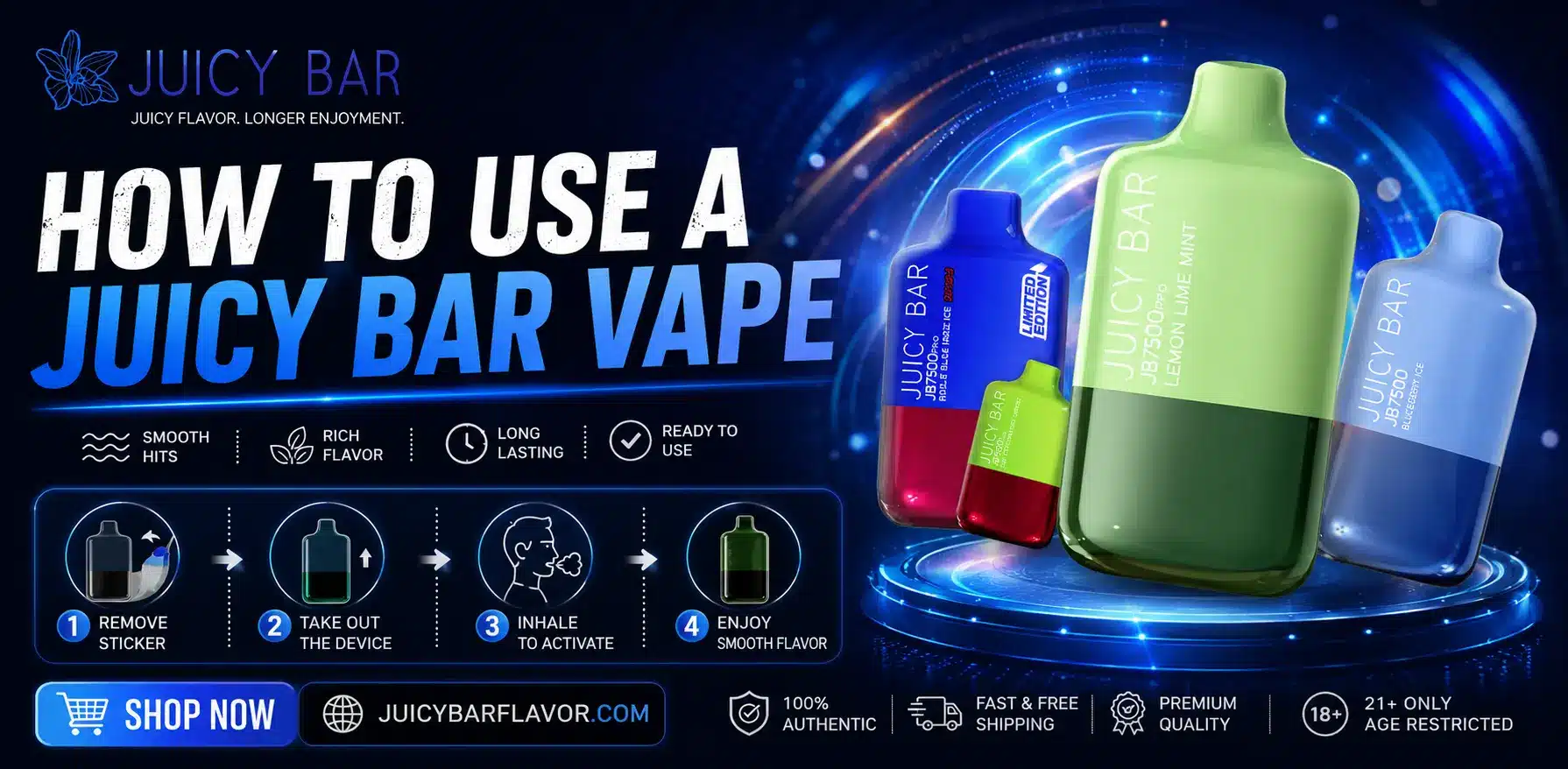
Most Juicy Bar vapes – including the JB5000, JB7500 Pro, and JB25000 Pro Max – are draw-activated, meaning there’s no button to press. Simply remove any packaging or mouthpiece cover, inhale gently from the mouthpiece, and the device activates automatically. When the battery runs low, recharge it using the built-in USB-C port. Higher-capacity models also include an LED display and adjustable airflow for a more customized draw.
Step 1: Unbox and Inspect the Device
Before your first puff, take a moment to prepare the device properly:
- Remove all outer packaging and any protective film.
- Check for a silicone plug or sticker covering the mouthpiece or airflow vents, and remove it if present – using the device with this still in place can block airflow and prevent it from firing correctly.
- Visually inspect the device for any visible damage, such as cracks or leaks, before use.
Step 2: Understand How It Activates
Juicy Bar’s main models (JB5000, JB7500 Pro, and JB25000 Pro Max) use draw-activated firing, not a manual power button. This means:
- There’s nothing to press or hold down.
- The device has an internal sensor that detects airflow when you inhale, which automatically triggers the coil to heat and produce vapor.
- As soon as you stop inhaling, the device stops producing vapor – there’s no need to manually turn it off between puffs.
This makes Juicy Bar devices straightforward for both new and experienced vapers, since there’s no button-timing to get used to.
Step 3: Take Your First Puff
To get the best experience from a fresh device:
- Place the mouthpiece gently between your lips.
- Inhale slowly and steadily for 2–3 seconds – avoid a hard, fast pull.
- Exhale normally and enjoy the flavor.
A slow, gentle first draw helps fully saturate the coil with e-liquid, which reduces the chance of a harsh or “dry” hit on your very first puff. If your first puff does taste burnt or dry, wait a minute and try a second gentle puff before assuming there’s an issue with the device.
Step 4: Use the Airflow Control (JB25000 Pro Max)
The JB25000 Pro Max includes an adjustable airflow control, giving you more say over how each puff feels:
- Closed/tighter airflow: Produces a tighter draw with a more intense throat hit, closer to a cigarette-style pull.
- Open/looser airflow: Produces more airflow and larger vapor clouds, with a smoother, less restricted draw.
The JB5000 and JB7500 Pro don’t include this adjustable feature, so their airflow is fixed at the factory setting – which is part of why they’re considered simpler, more beginner-friendly options.
Step 5: Monitor Battery and E-Liquid Levels
The JB25000 Pro Max also includes a small LED display that shows real-time battery life and puff count, so you always know when it’s time to recharge – no guesswork required.
On the JB5000 and JB7500 Pro, which don’t have a screen, a small LED indicator light near the mouthpiece or base typically blinks to signal low battery or an empty tank. If you notice the light blinking while drawing and getting little to no vapor, that’s usually your cue to check the battery or move on to a new device.
Step 6: Recharge When Needed
Since the JB5000, JB7500 Pro, and JB25000 Pro Max are all rechargeable, here’s how to top them up:
- Locate the USB-C charging port, typically on the bottom or side of the device.
- Connect a USB-C cable and plug the other end into a wall adapter, computer, or power bank.
- Watch for the LED indicator light to confirm charging has started – it usually blinks or stays lit during the process.
- Allow the device to charge fully. This typically takes 45–60 minutes for the JB5000 and JB7500 Pro, and closer to 7–9 hours for the larger JB25000 Pro Max battery.
- Disconnect once charging is complete and resume vaping as normal.
Since the e-liquid tank generally outlasts a single battery charge, you’ll likely recharge the device a few times over its lifespan before the e-liquid runs out – this is normal and ensures you use every bit of the pre-filled juice.
Tips for the Best Vaping Experience
- Take slow, gentle puffs rather than long, hard draws – this protects the coil and gives more consistent flavor.
- Space out your puffs instead of chain vaping, which allows the coil to stay properly saturated.
- Store the device upright in a cool, dry place away from direct sunlight or extreme heat, which helps preserve both the e-liquid and battery health.
- Use a quality USB-C cable for charging – low-quality or damaged cables can slow charging or, in rare cases, affect battery safety.
Common Issues and Simple Fixes
No vapor when inhaling: Check that any mouthpiece cover or seal has been removed, and make sure the battery isn’t fully depleted.
Blinking light with no vapor: This usually points to either a dead battery (try charging) or an empty e-liquid tank (the device has reached the end of its life).
Harsh or burnt-tasting hits: Often a sign the coil is nearing the end of its usable life, especially if the e-liquid level is low. Taking shorter, gentler puffs can help going forward.
Weak or thin vapor: Can indicate the e-liquid is running low, the battery needs a charge, or (on the JB25000) the airflow control is set too tight for your preference.
Frequently Asked Questions
Do I need to press a button to use a Juicy Bar vape?
No, the JB5000, JB7500 Pro, and JB25000 Pro Max are all draw-activated – you simply inhale from the mouthpiece and the device activates automatically.
How do I charge a Juicy Bar vape?
Connect a USB-C cable to the charging port on the bottom of the device and plug it into a power source. Charging takes about 45–60 minutes for the JB5000 and JB7500 Pro, and roughly 7–9 hours for the JB25000 Pro Max.
Why isn’t my Juicy Bar producing vapor?
This is usually caused by a protective seal still covering the mouthpiece, a depleted battery, or an empty e-liquid tank. Check for a seal first, then try charging the device.
Does the Juicy Bar have adjustable airflow?
Only the JB25000 Pro Max includes adjustable airflow control. The JB5000 and JB7500 Pro have a fixed airflow setting.
How do I know when my Juicy Bar is running low?
The JB25000 Pro Max shows battery and puff count on its LED display. The JB5000 and JB7500 Pro use a blinking indicator light to signal low battery or an empty tank.
Can I refill a Juicy Bar vape?
Standard Juicy Bar devices are closed-system and not designed for refilling. Once the e-liquid is depleted, the device should be disposed of responsibly according to local regulations.
Final Thoughts
Using a Juicy Bar vape is designed to be simple – unbox it, remove any seals, and inhale to activate. The JB5000 and JB7500 Pro keep things extra straightforward with a fixed draw, while the JB25000 Pro Max adds adjustable airflow and a battery display for vapers who want more control. Whichever model you’re using, gentle puffing habits, proper storage, and regular charging will help you get the smoothest, most consistent experience from start to finish.
This article is for informational purposes only. Instructions are based on standard manufacturer guidance and may vary slightly by model. This content and the products described are intended for use by adults of legal purchase age only (21+ in the United States).